Sorry, we're currently closed. Please call NHS 111


Cancer Support Group for Men Safe Surgeries Helping to Reduce Medicines Waste Workshops Available for 16-25 Years old’s Childhood Asthma – Free Online Workshops Join our PPG – Click on the PPG tab or contact the practice for more information Hillingdon have launched a new Online Care Support Directory Warm Welcome Centres Viewing your health record via the NHS APP Bowel Cancer Screening Campaign – “Your next poo could save your life”
NHS App
Try the new NHS App
You can now use the new NHS App, a simple and secure way to access a range of NHS services and your GP account on your smartphone or tablet.
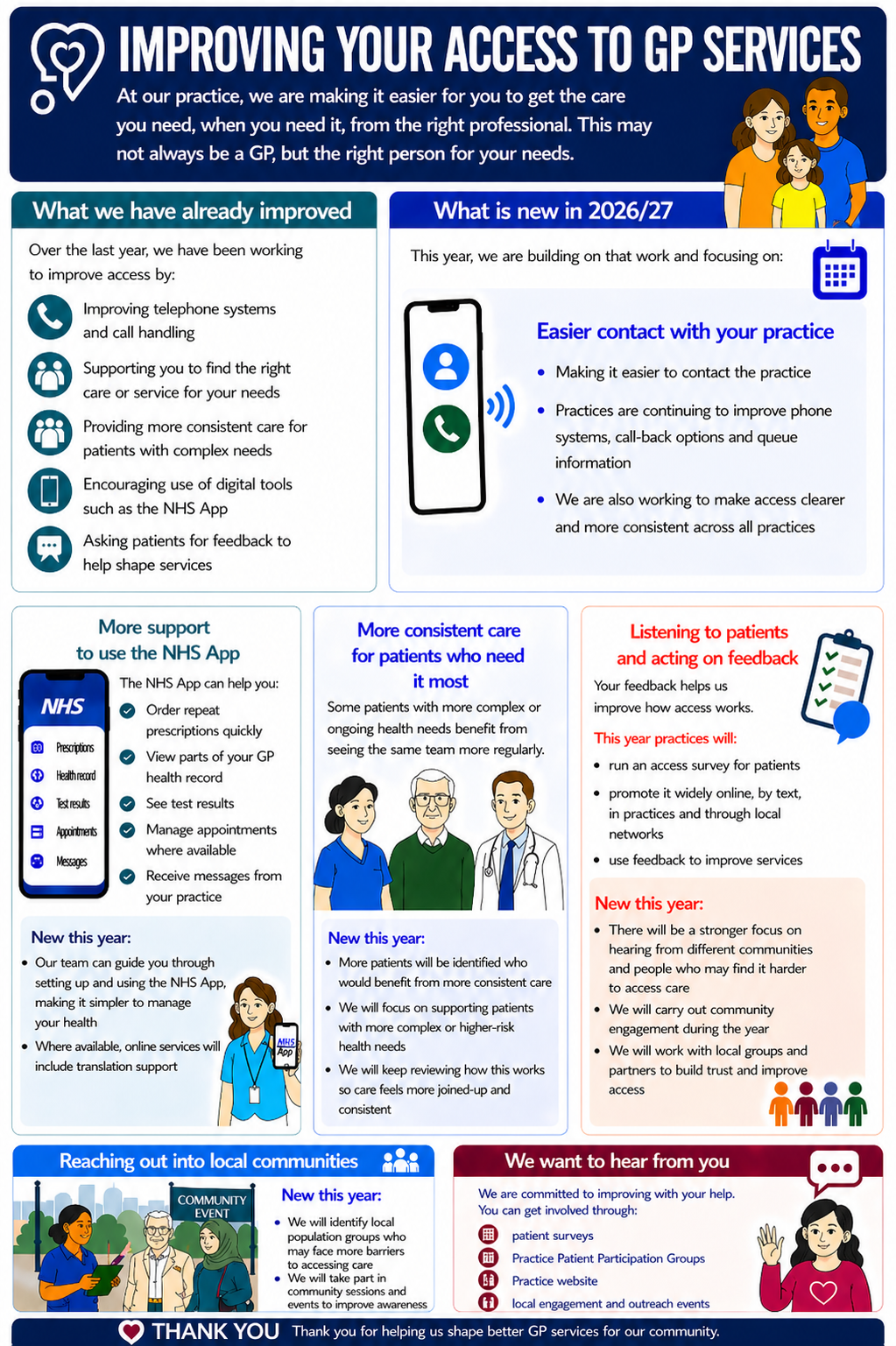
You can use the NHS App to check your symptoms and get instant advice, book appointments, order repeat prescriptions, view your GP medical record and more.
If you already use online access you can continue to use it. You can use the NHS App as well.
If you haven’t registered then here is a set of instructions for registering with the NHS App: Instructions for Registering with the NHS App (PDF, 1.57MB)
For more information go to www.nhs.uk/nhsapp
Once downloaded the NHS app icon will appear on your device. The icon for the app looks like:
Have you got the NHS App?
At home or on the move, with the new NHS App you can conveniently order repeat prescriptions, view your GP medical records, manage appointments at your GP surgery, set organ donation preferences, and check symptoms.
The app has been developed by the NHS and has been designed to help people get more information about their health and care – and more control of how they use NHS services. New functions and services will also be added in the coming months. Why not download it and try it out?
What does the NHS App do?
The NHS App allows you to access a range of NHS services on your smartphone or tablet. A desktop version is launching soon too.
You can use it wherever you are, at any time. It puts valuable information about your health and treatments at your fingertips.
You can:
- order repeat prescriptions
- view your GP medical record
- book and cancel appointments at your GP surgery
- register for organ donation and change your donation preferences
- use the symptoms checker, including an A to Z of conditions and treatment advice from the NHS website
- access 111 Online, for advice on self-care and whether urgent help is needed
Is my information safe?
Just like a banking app, your identity will be carefully checked during the simple registration process. The app has been designed, built and tested so that your personal information is always safe and secure.
How to register for the NHS App
Download the app from your mobile device’s app store and follow the easy step-by-step registration instructions. It will help if you know your NHS number (though this isn’t essential), and you will need to have a form of ID (passport or driving license) to hand. If you haven’t got a passport or driving licence, don’t worry, you can register using information that the surgery will be able to give you.
If you want to learn more, visit the NHS App page on the NHS UK website.
Here is a set of instructions for registering with the NHS App: Instructions for Registering with the NHS App
Need help with the NHS App?
Contact the NHS App support team by visiting nhs.uk/nhs-app
The team will be able to help you with all technical queries. Please review the videos on NHS App functions available via the following link for further information.
View NHS App walk through videos here.
It’s normal to experience some technical difficulties with the NHS App if your GP surgery is changing clinical systems or merging with another practice.
If you encounter any technical issues after these changes are complete, please contact the NHS App Team.
You can also find more help and information here: www.nhs.uk/nhs-app
Opening Times
- Monday08:00am to 06:30pm
- Tuesday08:00am to 06:30pm
- Wednesday08:00am to 06:30pm
- Thursday08:00am to 06:30pm
- Friday08:00am to 06:30pm
- SaturdayCLOSED
- SundayCLOSED